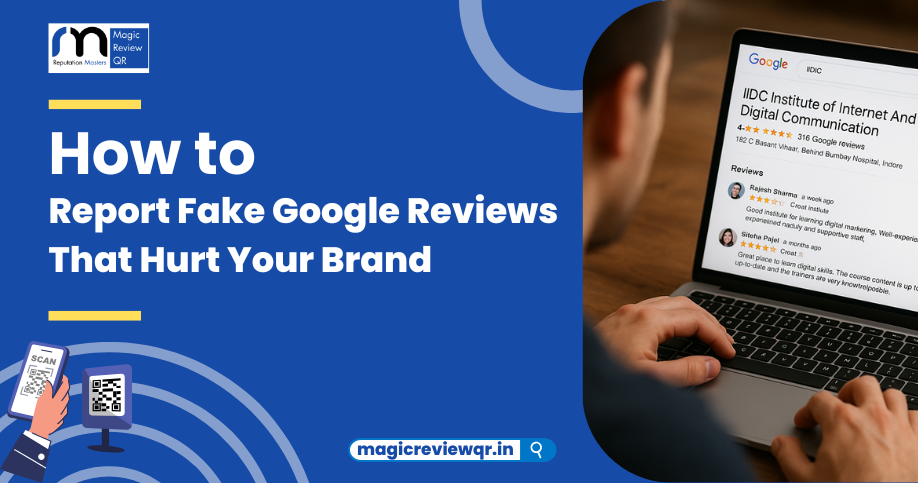
For brand managers dealing with false reviews on Google, knowing how to report fake reviews google effectively is crucial to protect your online reputation. This step-by-step guide explains the process to flag and escalate fake Google reviews as of 2025.
Step 1: Identify Fake or False Reviews
Look for common signs such as:
-
Reviews from unverified profiles without photos or history.
-
Overly vague, exaggerated, or irrelevant comments.
-
Mentions of services/products you don't offer or employees who don’t exist.
-
Conflicting timelines or suspicious patterns (e.g., mass review spikes).
-
Use of defamatory or offensive language.
Step 2: Flag the Review in Google Business Profile
-
Log into your Google Business Profile dashboard.
-
Go to the Reviews section and find the suspicious review.
-
Click the three-dot menu next to the review and select “Report Review” or “Flag as inappropriate.”
-
Choose the specific reason that it violates Google's policies (spam, fake content, conflicts of interest, etc.).
Step 3: Document and Gather Evidence
For serious cases or ongoing issues:
-
Take screenshots of the fake reviews, including usernames and timestamps.
-
Cross-reference timestamps with your business records.
-
Collect additional context such as competitor activity or other suspicious behavior.
Step 4: Escalate to Google Support If Needed
-
If the fake review is not removed after flagging, contact Google Business Profile support directly.
-
Use the help center's contact or chat options to submit detailed evidence.
-
Provide clear reasoning on why the review is fake or malicious.
Step 5: Use Google Community Forums
-
Post your issue on official Google Business Profile forums with clear, polite requests for help.
-
Google representatives often monitor these and may expedite review moderation.
Step 6: Respond Publicly to Reviews Professionally
While awaiting removal, reply calmly and professionally to show prospective customers you handle disputes responsibly.
Additional Tips
-
Encourage genuine customer reviews to outweigh fakes.
-
Monitor reviews regularly and set up alerts for new feedback.
-
Consider legal counsel if fake reviews cause significant harm.
Summary Table
| Step | Action | Notes |
|---|---|---|
| Identify | Spot fake review signs | Profile, content, timing, language |
| Flag | Report review via Google Profile | Select correct violation reason |
| Document | Capture screenshots, evidence | Corroborate with internal records |
| Escalate | Contact Google support directly | Provide detailed evidence and follow-ups |
| Monitor & Respond | Reply professionally | Maintain transparency and customer trust |
Protect Your Brand Reputation with Magic Review QR
Magic Review QR empowers brand managers to streamline authentic review collection and manage reputation with AI-powered filtering—helping you reduce the impact of fake google reviews efficiently. Try Magic Review QR today!