Google reviews have become one of the biggest trust factors for local businesses.
Before customers visit a café, salon, clinic, restaurant, gym, or retail store, they usually check:
-
Ratings
-
Customer experiences
-
Review count
The challenge?
Most happy customers never leave reviews because the process feels inconvenient.
That’s why businesses are increasingly using Google Review QR Codes.
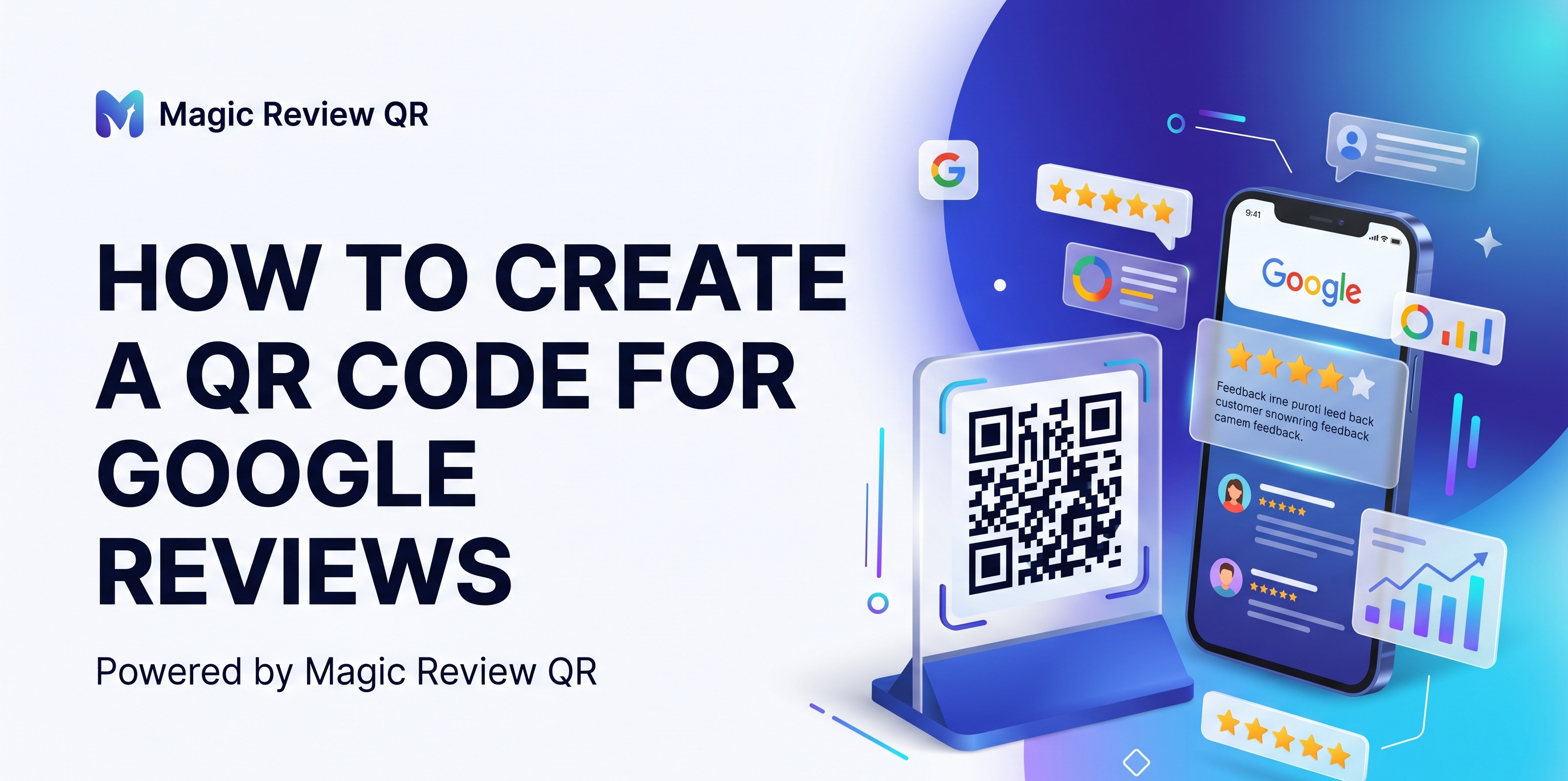
A Google Review QR Code allows customers to instantly open your Google review page by simply scanning a QR code.
No searching.
No typing.
No confusion.
In this guide, you’ll learn exactly how to create a QR code for Google reviews, how it works, and how businesses use it to increase reviews organically.
What Is A Google Review QR Code?
A Google Review QR Code is a scannable QR code linked directly to your Google Business Profile review page.
When customers scan the QR code:
-
Your Google review page opens instantly
-
Customers can rate your business
-
They can leave feedback within seconds
This makes the review process frictionless.
Why Businesses Use Google Review QR Codes
QR review systems help businesses:
-
Increase Google reviews
-
Improve local SEO
-
Build trust faster
-
Simplify customer engagement
-
Improve customer experience
Businesses using QR review systems often collect significantly more reviews than businesses relying on traditional methods.
How To Create A QR Code For Google Reviews
Follow these simple steps.
Step 1: Open Your Google Business Profile
Go to:
Log into the Google account connected to your business.
Step 2: Find Your Google Review Link
There are multiple ways to find your review link.
Method 1 — From Google Search
Search your business name on Google.
You’ll usually see your business profile panel.
Click:
“Ask for reviews”
Google will generate a direct review link.
Copy the link.
Method 2 — From Google Business Dashboard
Inside your Google Business Profile dashboard:
-
Open your business profile
-
Navigate to “Get More Reviews”
-
Copy the review URL
Step 3: Generate A QR Code
Now you need to convert your review link into a QR code.
You can use:
-
QR code generators
-
Canva
-
Review QR platforms
-
Reputation marketing tools
Paste your Google review link into the QR generator.
The tool will instantly create your QR code.
Step 4: Customize The QR Code
Professional-looking QR codes usually perform better.
Best Practices
-
Use brand colors
-
Add logo if possible
-
Ensure strong contrast
-
Keep code scannable
-
Add clear CTA text
Example CTA
-
“Scan To Review”
-
“Leave Us A Google Review”
-
“Tap To Share Feedback”
Step 5: Test The QR Code
Before printing or displaying:
-
Scan using multiple devices
-
Check loading speed
-
Verify the review page opens correctly
Never skip testing.
Step 6: Print Or Display Your QR Code
Now place your QR code where customers can easily see and scan it.
Best Places To Keep Google Review QR Codes
Restaurants & Cafés
-
Tables
-
Billing counters
-
Menu holders
Salons
-
Mirrors
-
Reception desk
-
Checkout area
Clinics
-
Waiting rooms
-
Reception counters
Gyms
-
Front desk
-
Exit area
Retail Stores
-
Checkout counters
-
Shopping bags
-
Product packaging
Why QR Review Systems Work So Well
The biggest reason businesses fail to collect reviews is friction.
Traditional review process:
-
Open Google
-
Search business
-
Find listing
-
Click reviews
-
Leave feedback
Most customers never complete these steps.
QR systems reduce the process to:
-
Scan
-
Review
That convenience dramatically increases review conversions.
Benefits Of Google Review QR Codes
1. More Google Reviews
Customers are far more likely to leave reviews when the process is instant.
2. Better Local SEO Rankings
Google reviews are a major ranking signal for:
-
Google Maps
-
Local SEO
-
Nearby searches
More authentic reviews improve visibility.
3. Better Customer Engagement
QR systems create smoother customer interactions.
4. Stronger Social Proof
Businesses with more positive reviews build trust faster.
5. Higher Conversion Rates
Positive reviews influence:
-
Purchase decisions
-
Walk-ins
-
Calls
-
Bookings
QR Codes vs Traditional Review Requests
|
Traditional Method |
QR Review System |
|
Customers search manually |
Instant review access |
|
Multiple steps |
Simple process |
|
Lower conversion rates |
Higher review conversions |
|
Easy to forget |
Immediate action |
Common Mistakes Businesses Make
Asking Too Late
The best moment is immediately after positive customer interactions.
Using Tiny QR Codes
Small codes reduce scan success.
Poor QR Placement
Customers won’t scan codes they can’t notice easily.
Complicated Landing Pages
Always link directly to the review page.
Ignoring Existing Reviews
Responding to reviews improves customer trust and engagement.
Should Businesses Use NFC Review Stands Too?
Yes.
Many businesses now combine:
-
QR codes
-
NFC tap technology
With NFC stands, customers simply tap their phones instead of scanning.
This creates even faster interactions.
QR Codes & Reputation Marketing
Modern businesses are shifting toward reputation marketing.
Instead of relying only on ads, businesses now grow through:
-
Customer trust
-
Reviews
-
Social proof
-
Customer experience
QR review systems play a major role in this shift.
Future Of QR-Based Customer Engagement
QR technology is becoming mainstream across industries.
Businesses now use QR systems for:
-
Payments
-
Menus
-
Loyalty programs
-
Feedback collection
-
Google reviews
As customer expectations evolve, convenience becomes a competitive advantage.
How Magic Review QR Helps Businesses
Magic Review QR helps businesses collect more Google reviews through:
-
QR review stands
-
NFC-enabled review systems
-
Smart reputation funnels
-
Customer engagement tools
The goal is simple:
Make review collection effortless for both businesses and customers.
This helps local businesses:
-
Increase authentic reviews
-
Improve local SEO rankings
-
Build stronger online trust
-
Grow customer engagement organically
Frequently Asked Questions
Are Google Review QR Codes free?
Basic QR codes can be generated for free, but professional systems often include:
-
Better designs
-
Analytics
-
NFC support
-
Premium display stands
-
Smart review funnels
Do QR review systems improve local SEO?
Yes. More authentic reviews can improve:
-
Google Maps visibility
-
Local rankings
-
Customer trust signals
Can customers scan QR codes with iPhones and Android phones?
Yes. Modern smartphones support QR scanning directly from the camera app.
Are QR review stands effective for restaurants and salons?
Absolutely. These industries benefit heavily because customer satisfaction is usually immediate after service.
What size should a QR code be?
Large enough to scan comfortably from normal viewing distance.
Avoid tiny codes.
Final Thoughts
Creating a Google Review QR Code is one of the easiest ways to improve customer feedback collection.
It removes friction, simplifies the review process, and helps businesses generate reviews consistently.
As competition in local SEO increases, businesses that make customer engagement effortless will have a major advantage.
The future of local business growth is increasingly driven by:
-
Reviews
-
Reputation
-
Trust
-
Customer convenience
And QR review systems sit directly at the center of that transformation.